Visual Help Back Online
Published by Michelle Haupt on
Visual Help is Back Online!
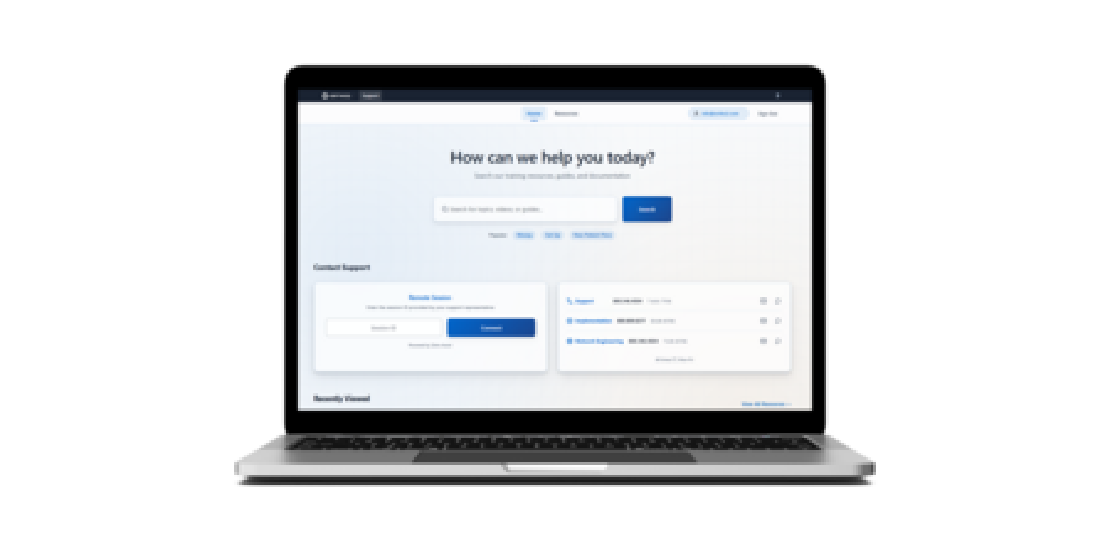
We’re excited to bring the visual help videos back online for you with a new look and feel. You’ll notice several changes to the support site.
The first change is the:
Login process. Instead of your current username and password, you’ll need to enter your email address on the sign-in screen. A six-digit number will be emailed to you. Enter it to verify your email address.
Other changes include:
Video search. Search for videos based on keyword, category, role in the office, or skill level. Or browse the Resources tab to see the full collection of videos.
Recently watched. Continue where you left off on your recently watched videos. The next time you return to the support site, your recently watched videos appear at the bottom of the page, and start right where you left off.
Training Tracks. Have a new team member who is new to Edge Cloud? The Edge Cloud Training Program guides new team members through everything they need to know about the software.
Help Menu. The Edge Cloud Help Menu can now be accessed through the support site. Simply click Help in the main menu ribbon bar.
More Search Power. Use the search menu in the top right corner of the menu bar to search across the support site and help menu. This powerful tool finds your answer wherever it’s located.
This is just the start of the new support.ortho2.com. More changes to enhance your experience will be rolling out in the coming months, including more videos, documentation, and forms.
Questions, comments, or a great blog idea brewing? Email us — we're all ears.